Starts from your machine file.
Drag in the file you already run. Each color is a loop height, and Luma builds it in 3D.
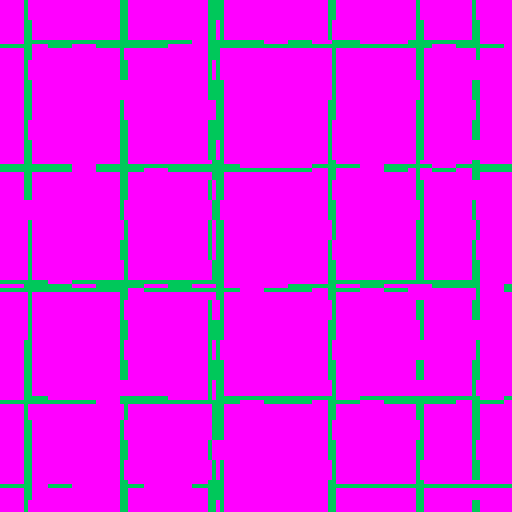
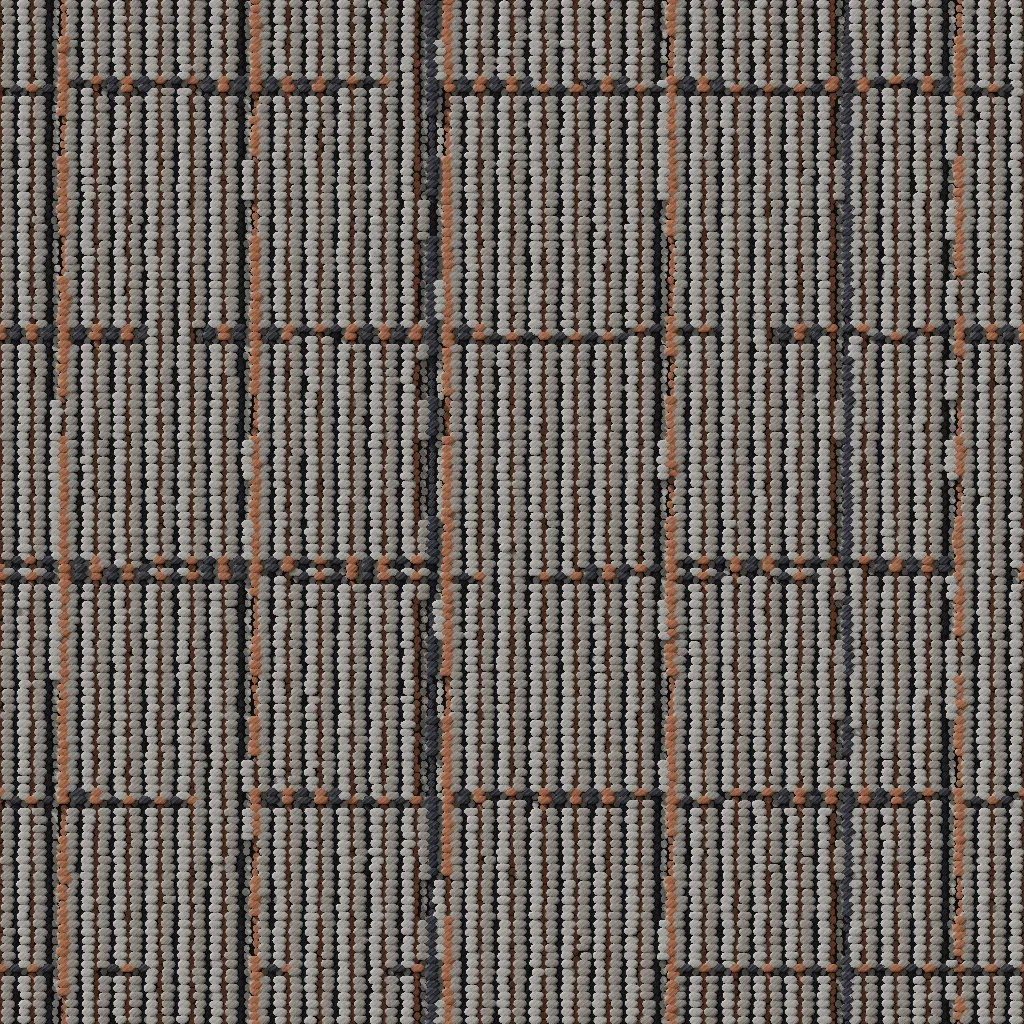

See a new color or pattern as a 3D sample, straight from your machine file, before anything is tufted.
Built tuft by tuft
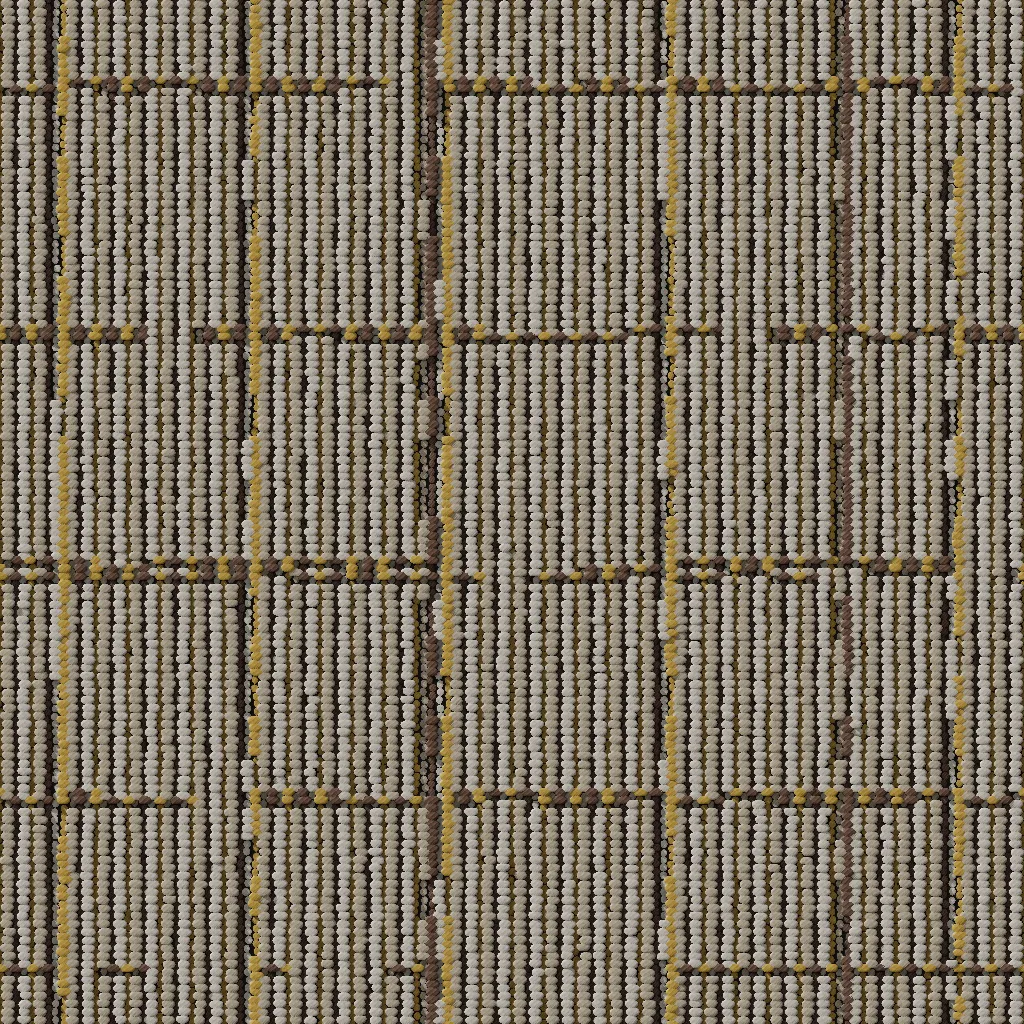
Luma actually builds the surface, down to individual tufts of yarn.
That's why it can show depth, texture, shadows between the loops, and the sheen that changes as the light moves.
Highlights
Drag in the file you already run. Each color is a loop height, and Luma builds it in 3D.
Assign yarns from your catalog and switch colorways instantly. Try it.
Move the light and watch the shadows and sheen shift across every loop.
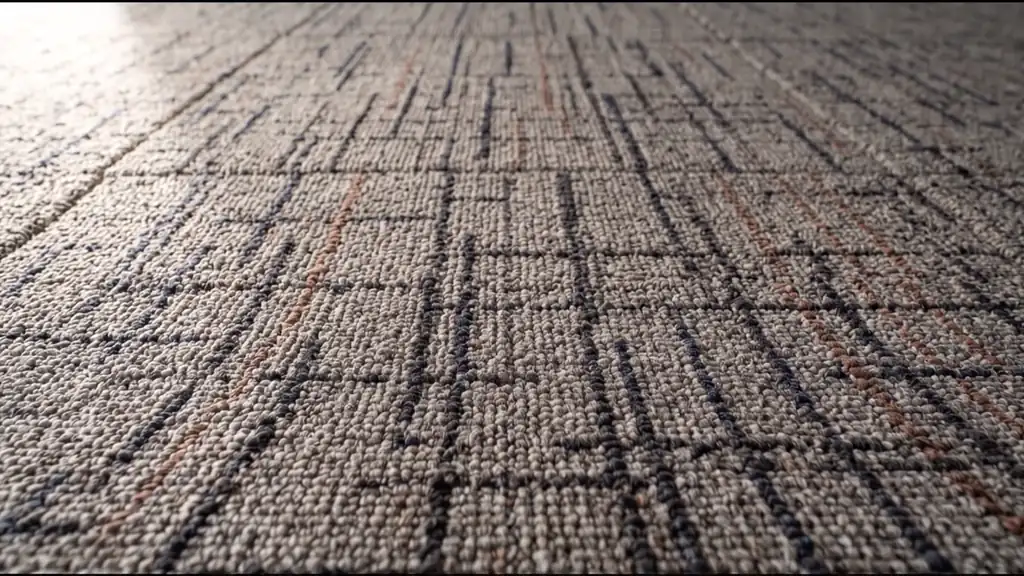
Cut it into 24 × 24 tiles and try each install method.
Five PBR texture maps per pattern, so designers see the same depth and sheen in Blender, V-Ray, Corona and more.
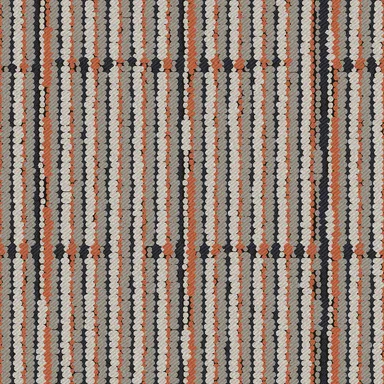 Base color
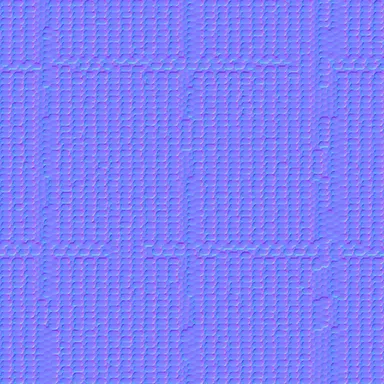 Normal
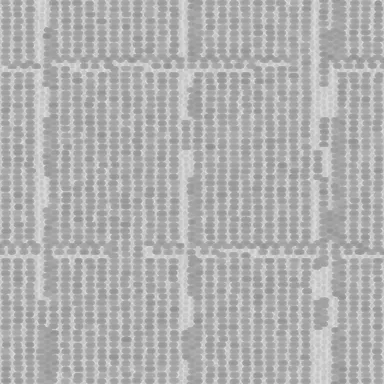 Roughness
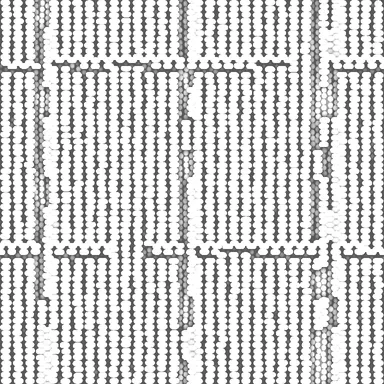 Ambient occlusion
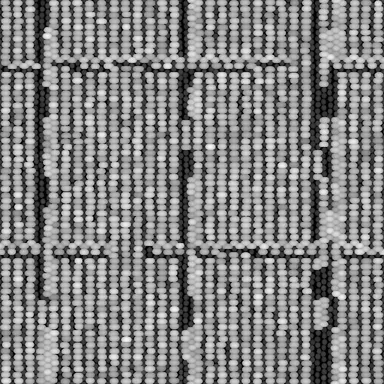 Height
Inside Luma
Pick a feature to see it in action.
Orbit a live 3D patch of the tufts and check the loops, plies and pile before anything is made.
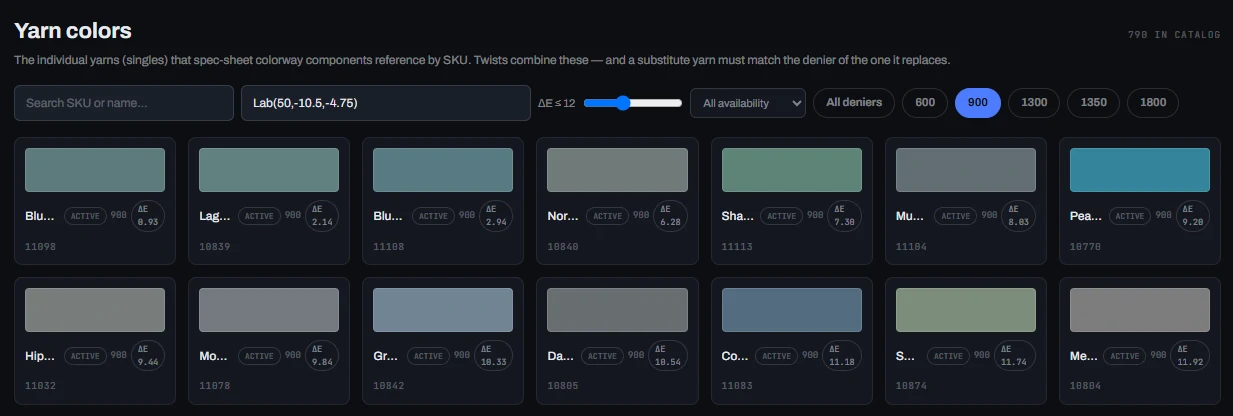
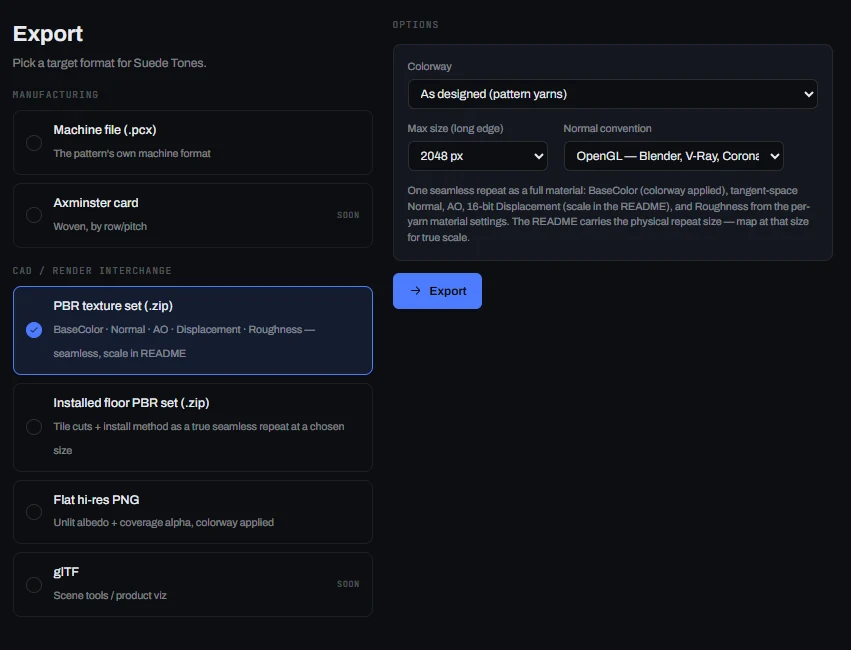
Screens from the Luma staging version. Colors, patterns and rooms shown are examples.
Who uses Luma
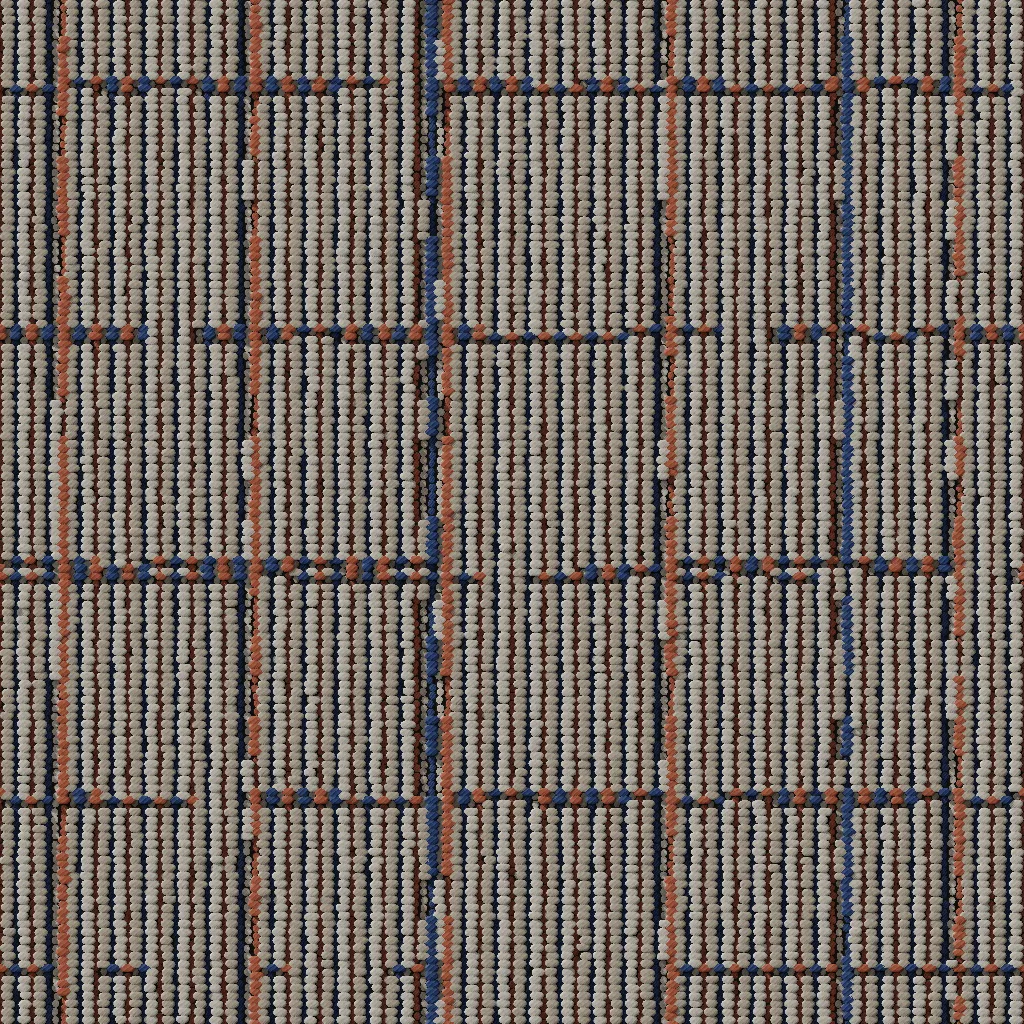
Try colorways without waiting on strike-offs.
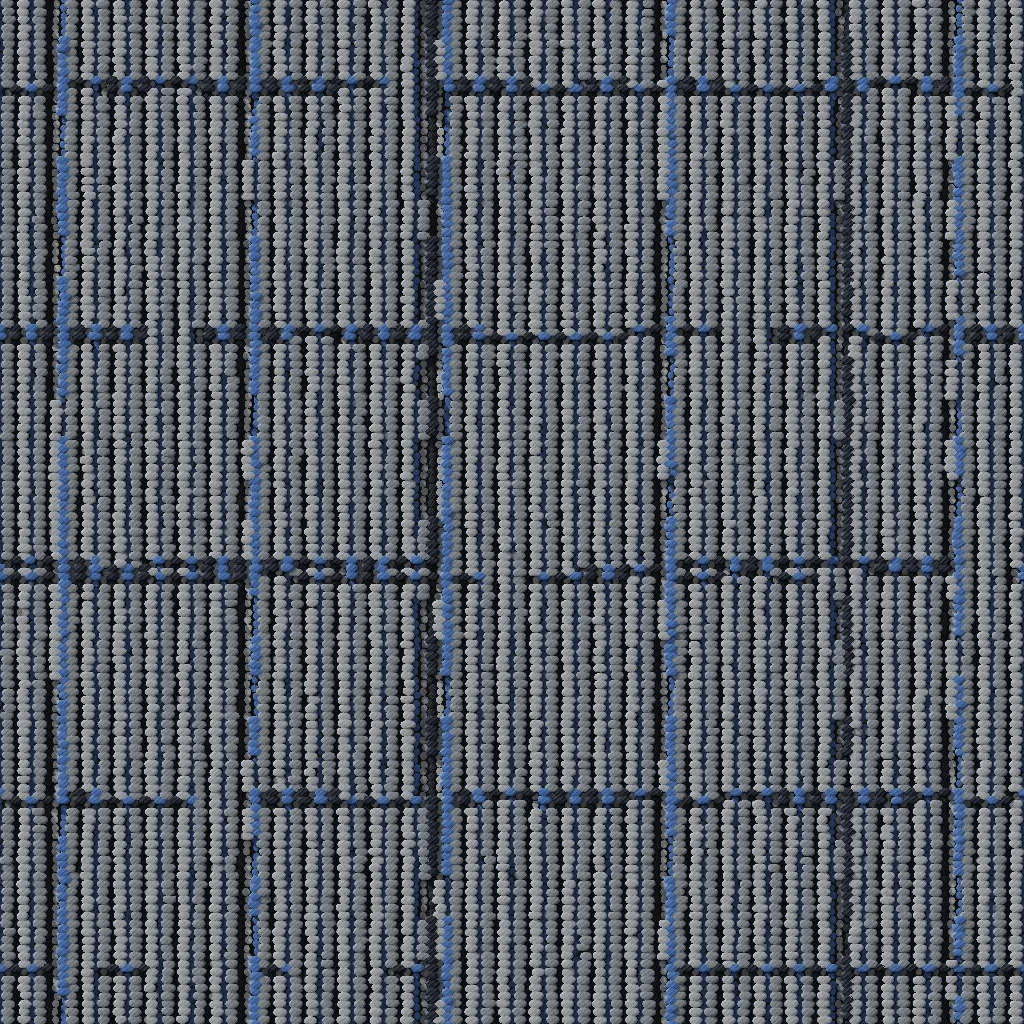
Pick the colorways worth sampling.
Work from the real machine file.
Change a color with the customer in the room.
FAQ
Luma is textile design and 3D sampling software, built first for carpet. It turns a tufting machine file into a 3D sample you can recolor with yarns you can order, see under different light and share, before anything is tufted. Luma runs in a web browser, so designers, product teams and sales can all use it.
3D sampling means building a virtual sample of the surface instead of tufting a physical one. Luma reads your machine file, builds the carpet tuft by tuft with the loop heights and yarn order the machine would create, and lets you change the yarn colors and the light. You see the result on screen before any yarn is tufted.
Luma starts from the machine file you already run, such as a PCX file, where each color stands for a tuft height. It also reads the specification that says which yarns go on the front and back needle bars. Luma's assistant can help fill in any setup details that are missing.
Yes. Assign yarns from your catalog to the yarn positions in the pattern and switch colorways instantly. Luma can also show how close a color is to a real yarn using delta E, the standard measure of color difference, so you can choose colors you can actually order.
Because Luma builds the carpet tuft by tuft, taller loops cast shadows across shorter ones and the surface keeps its depth and texture. You can change the direction and brightness of the light, the ambient light, the shadows and the sheen, then see how the same carpet looks in different conditions.
Yes. Cut the pattern into tiles, such as 24 × 24 or 18 × 36 inches, and try install methods including monolithic, quarter-turn, ashlar, brick and herringbone. Luma shows how the pattern repeats across a floor before you decide.
Yes. Luma exports five physically based rendering (PBR) texture maps for each pattern: base color, normal, roughness, ambient occlusion and height. Designers can use them in 3D software such as Blender, V-Ray and Corona to see the same depth and sheen.
Luma is for the whole product team: designers trying colorways, product development choosing which colorways to sample, production teams working from the real machine file, and sales changing a color with a customer in the room.
Request a demo and we'll walk you through Luma and answer your questions. Use the Request Demo button at the top of this page, or contact us if you'd like to ask something first.
Our engines
For paint & finish brands
Your brand's own color expert. Suggests your colors that go together, on a photo of your customer's room.
Learn more →For designers, dealers & showrooms
The room visualizer. Show the finished room, not a swatch.
Learn more →For lorem ipsum dolor
Lorem ipsum dolor sit amet, consectetur adipiscing elit. Sed do eiusmod tempor incididunt.
Learn more →Not sure which engine fits? Talk to us →
Images on this page are illustrative renderings of a Luma 3D sample, including the example texture maps.